How to Manage Calendar
- Course Management, Lecturer Guides
- December 30, 2023
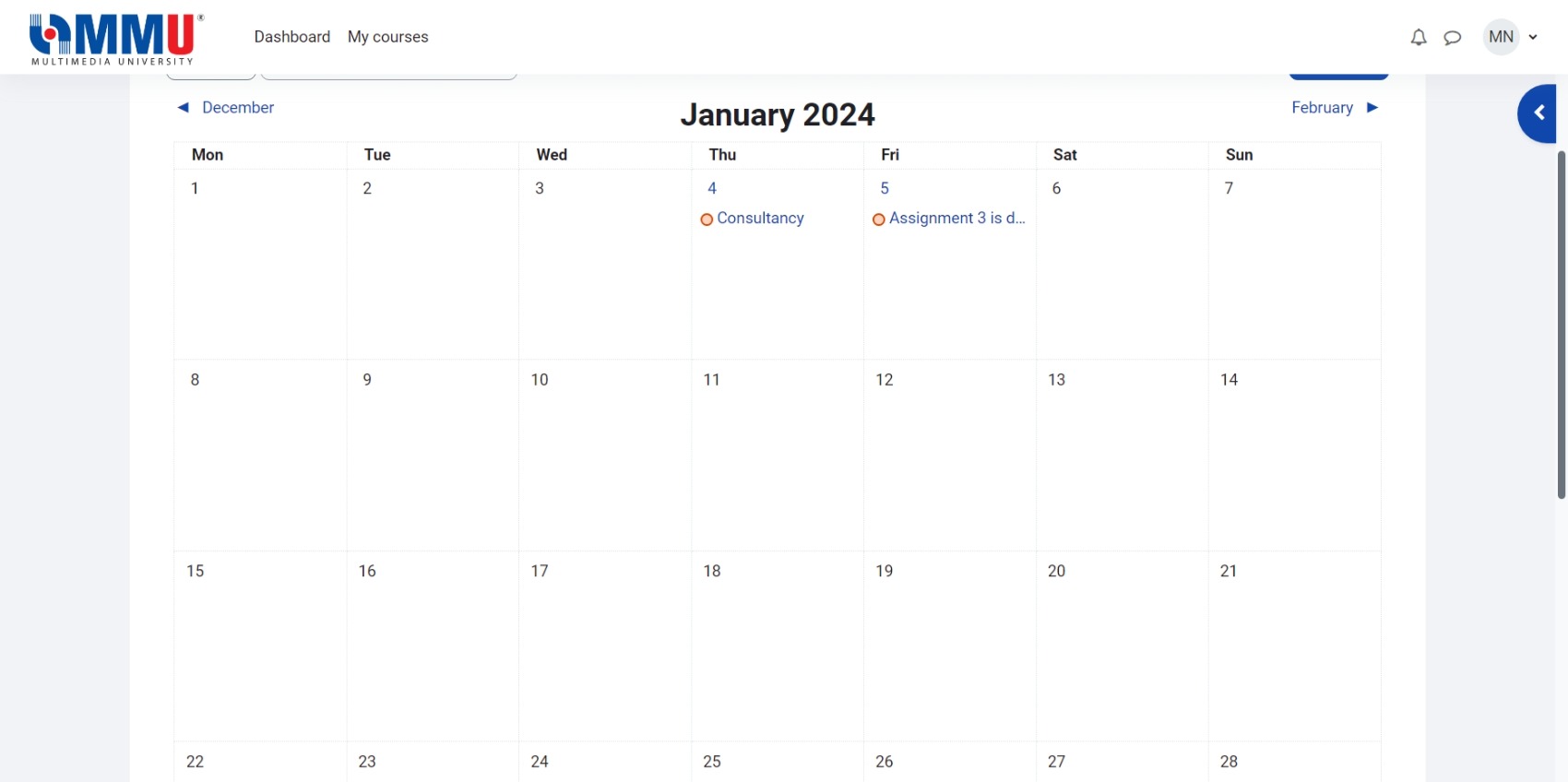
The Calendar displays events such as activity dates and manually added Course events by lecturers (events viewable by all students).
Resource: Using Calendar & Calendar FAQ (Moodle.org)
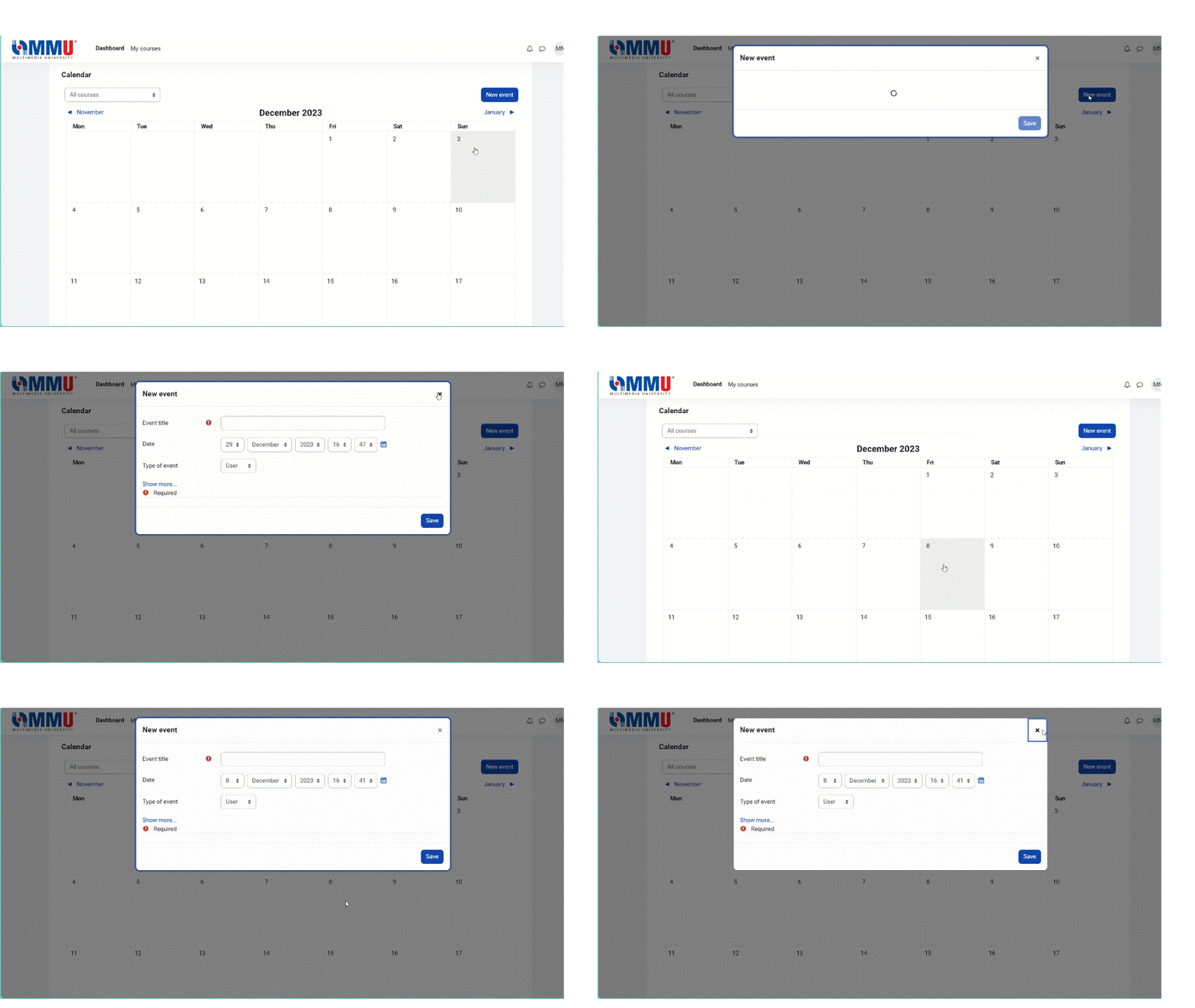
To create new event
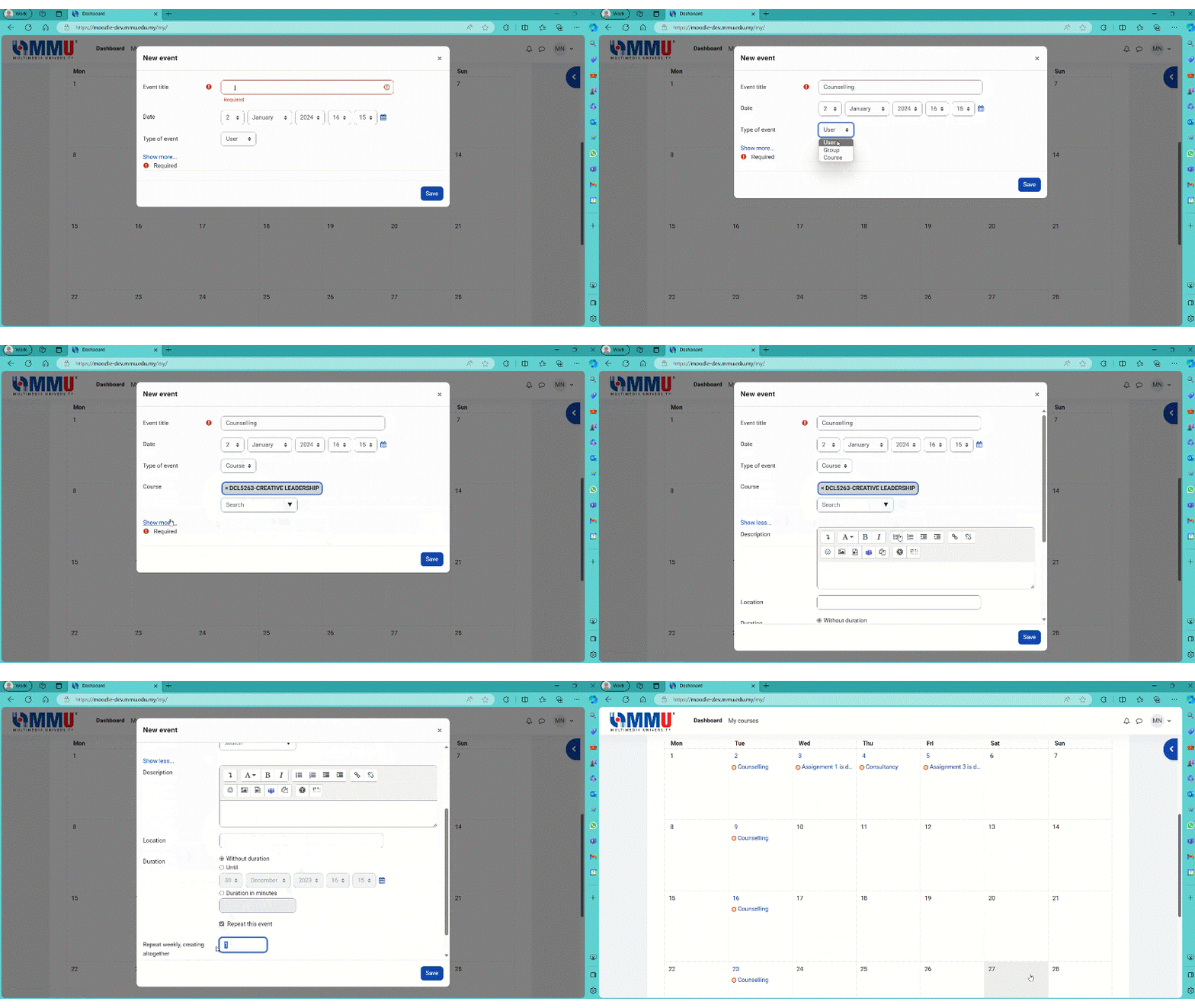
Click the 'New event' button or click into an empty space in the desired day in the calendar. There are 4 types of events that you can create. These types are based on event access capabilities.
- User: visible only to the user creating the event
- Group: visible to a Group (for a course)
- Course: visible to all students of a course
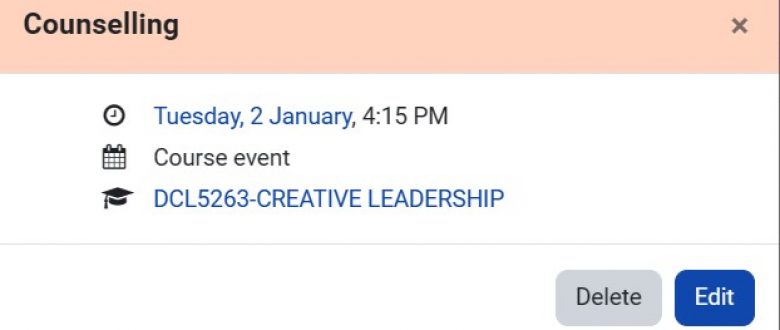
To edit and delete event
Import Outlook/Teams/Google Calendar to Moodle
To import a calendar via .ics file or URL,
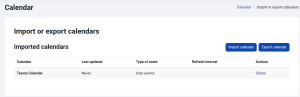
- At the bottom of the Dashboard or Calendar page, click the button ‘Import or export calendars’
- Click the button ‘Import calendar’
- Give the calendar subscription a name and either enter a URL or upload an .ics file
- Select ‘Type of event’ > ‘User’ for personal calendar
- Click the ‘Import calendar’ button
Please note that Moodle will only allow file format .ics to import other calendar.
Resource: Calendar Import (Moodle.org)