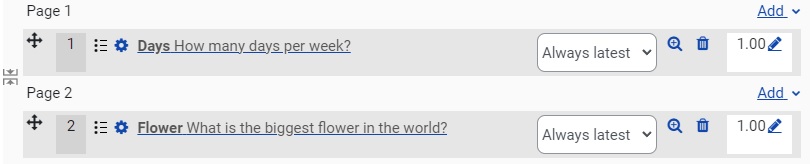
Add a question to Quiz


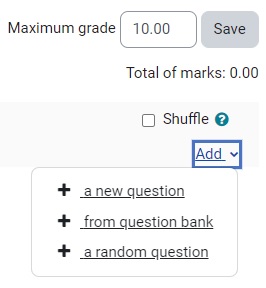
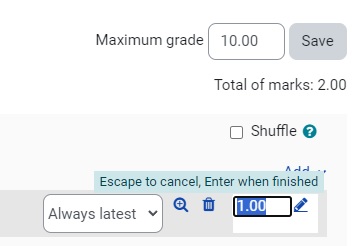


Select Questions from the contextual navigation menu.
- You can move the question to a new location in the Quiz using the compass icon.
- You can edit the question using the cog icon.
- You can preview the question with the the magnifying glass icon.
- You can delete the question by selecting the bin icon.